
Their actual choice
Begin with what the players are doing instead.
Their choice. A playable scene. Optional bridges.
Turn the party’s unexpected choice into a playable scene, useful people and optional ways forward.
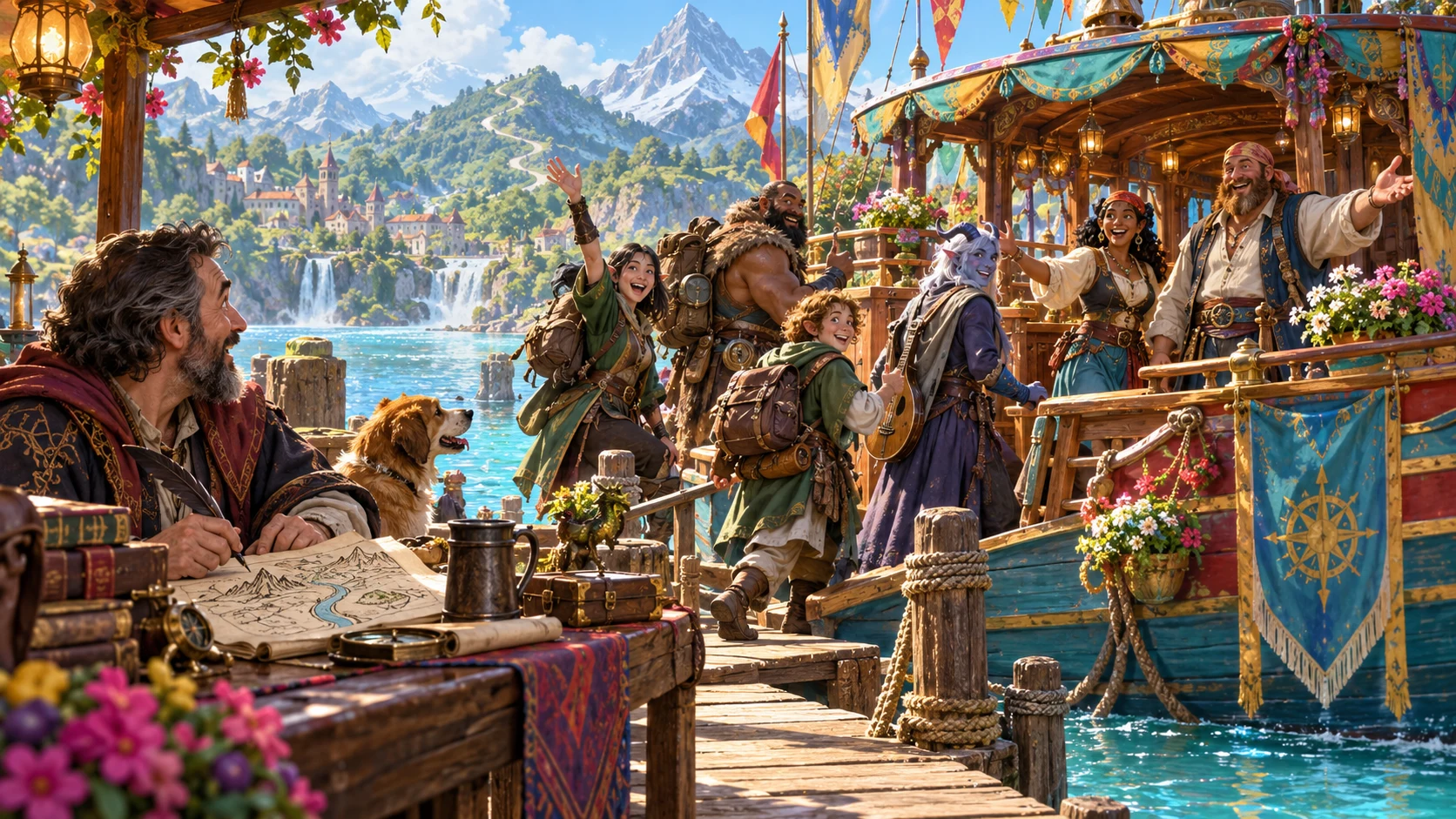
Support the adventure they chose
Let the new direction become playable.
Begin with what the players are doing instead.
Prepare a vivid scene that follows that choice.
Sketch two temporary characters for the detour.
Keep routes back to prepared material optional.
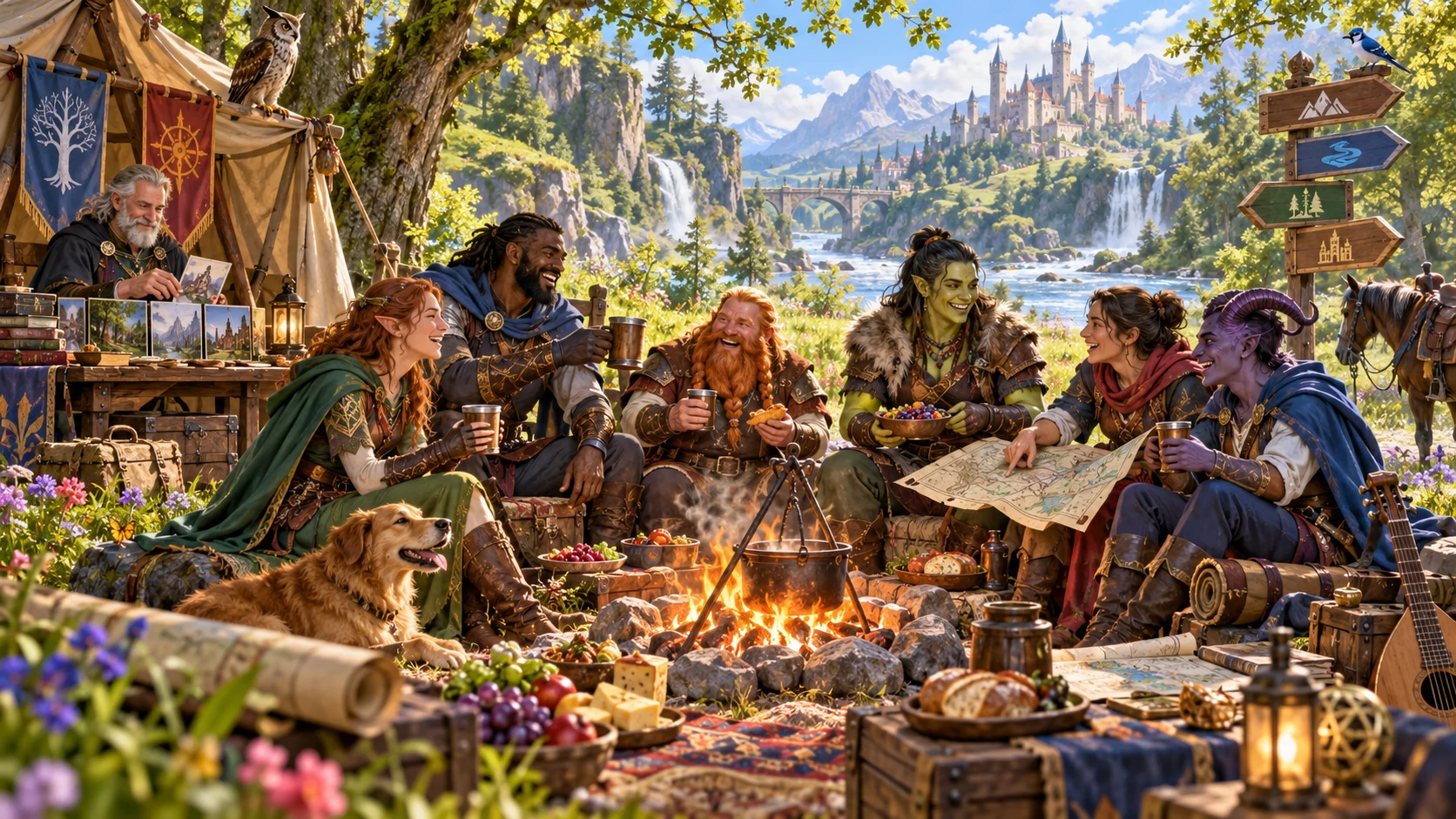
Prepare the next playable scene
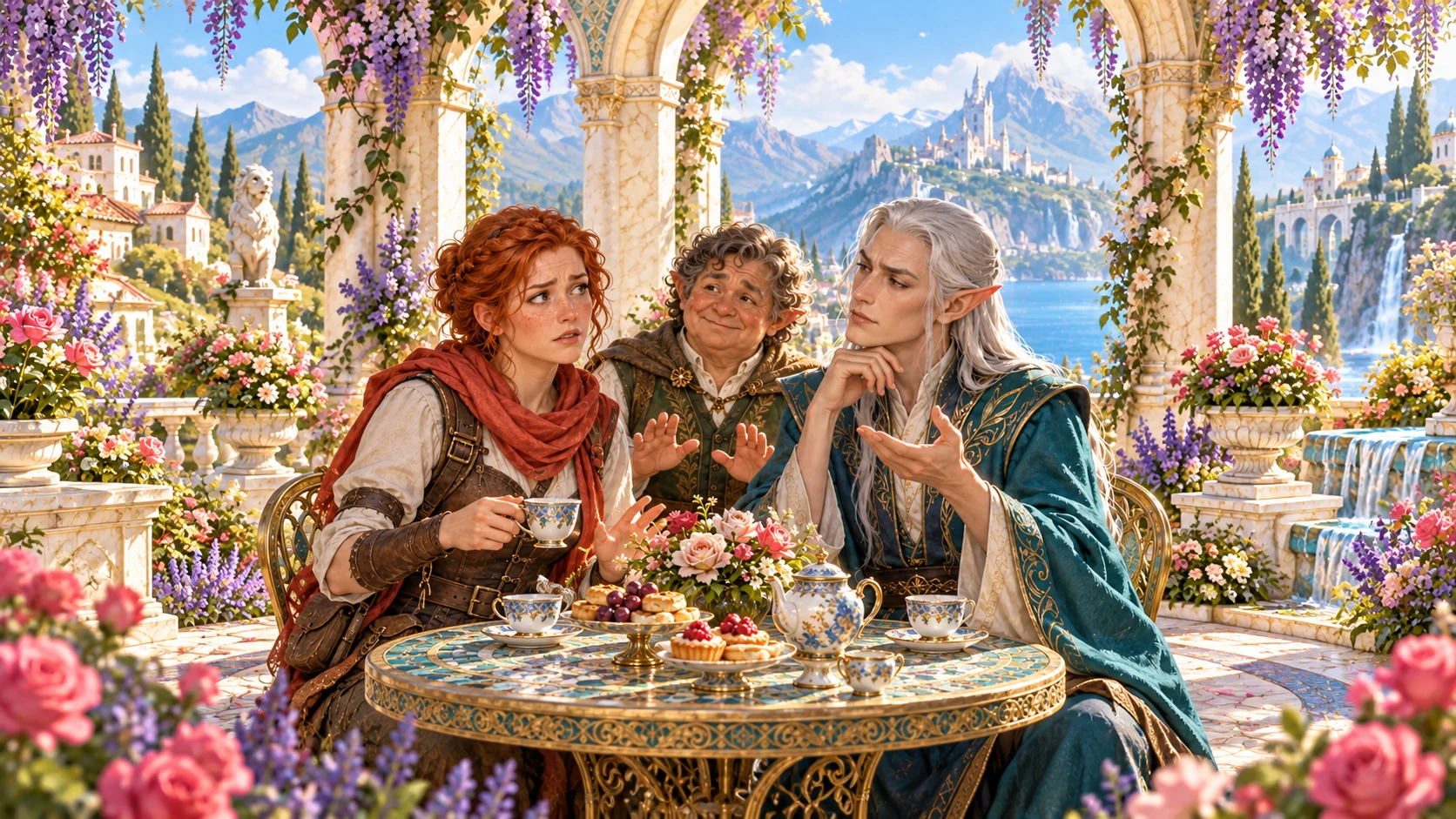
The illustration represents fantasy party preparation, not an application screenshot.
Describe the players’ detour, then choose kind, bridge style, tone and likely length.
Add an existing prepared event, refined characters, optional bridges and private context when useful.
From unexpected choice to next scene
Give yourself useful material and room to think.
Describe what the party chose instead.
Choose detour kind, bridge style, tone and likely length.
Check three vivid details, two characters and read-aloud.
Use breathing-room advice while deciding what follows.
The off-script scene workspace
Prepare the adventure that follows the players’ choice.
Build around what the players actually chose to do.
Give the unexpected direction a place in the game.
Prepare concrete details that make the scene useful.
Sketch people the party can meet in the detour.
Start with a clear line for the table.
Use practical pacing advice while you think.
Reconnect prepared material later without forcing a route.
Revise, reopen and share the appropriate audience version.
Quick scenes and deeper context
Develop the detour without forcing its destination.
Start with the players’ direction and detour preferences.
Describe an already prepared event if useful.
Develop the improvised character sketches.
Add optional bridges, an avoid list and private DM notes.
Keep useful detours and variations
Retain scenes worth returning to.
Review and edit the details you need.
Lock useful parts and reroll the rest.
Keep a twelve-version history.
Rename, duplicate, search, tag and annotate.
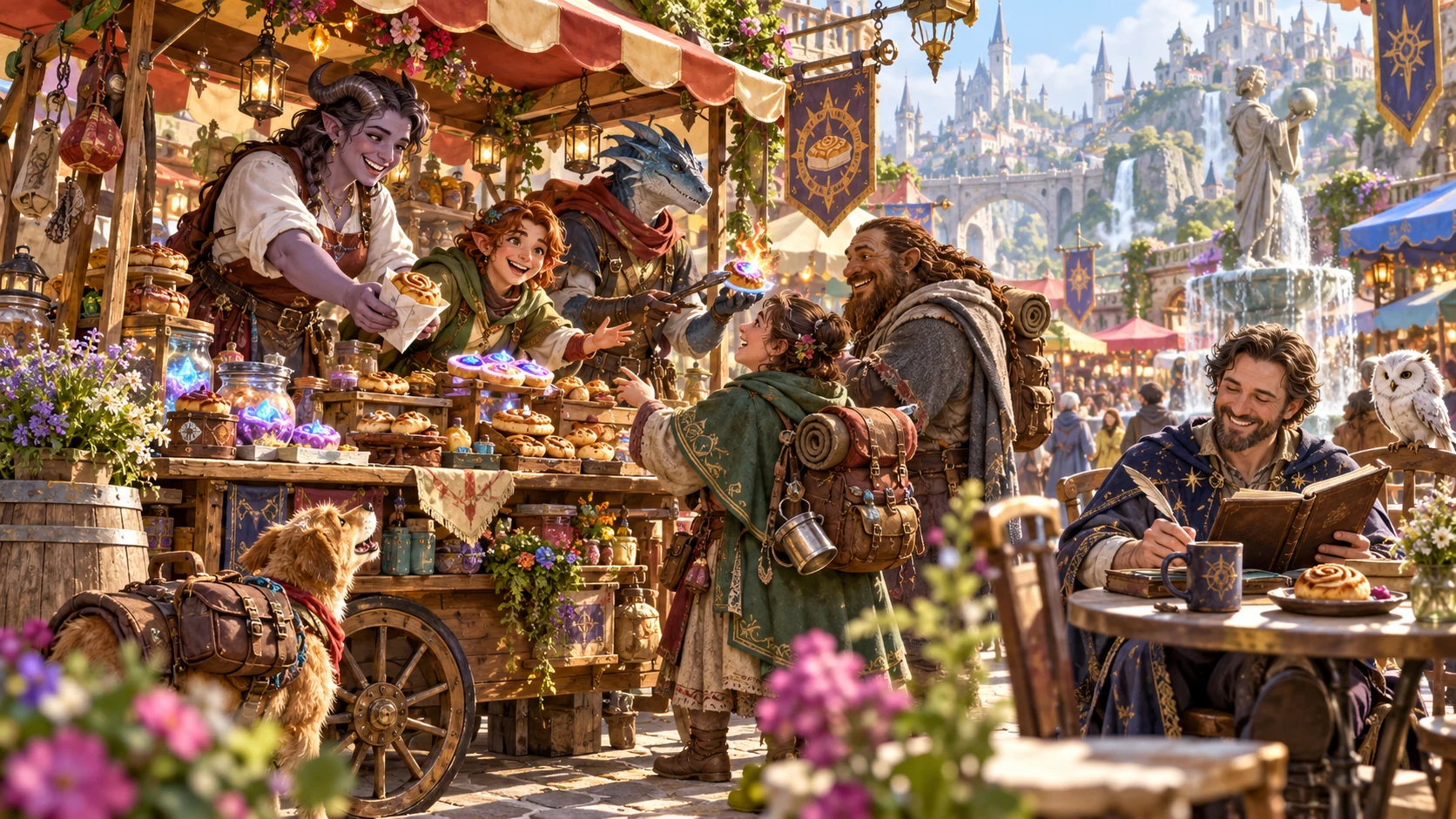
A detour ready for the table
Review the scene, three vivid details, two characters and read-aloud line.
Use practical breathing-room advice while deciding what follows.
Review optional private bridges and select the audience version before sharing.
Support a genuine change of direction
Keep prepared connections useful without forcing the route.
Build around the direction the players actually chose.
Review private bridges, notes and edited material before sharing.
Other tools handle impossible success, brief pauses and forgotten characters.
This scene creates no combat state or Combat Pro handoff.
Generator access and pricing
Choose access for this selected generator or an eligible pack.
Review current standalone access and pricing.
Check whether a current pack includes this generator.
Use your account to review premium product access.
Create a free VISINVOKE account; premium access remains separate.
VISINVOKE means value
Bring a playable scene, useful people and optional connections together.

Build around the direction the players actually chose.
Use three vivid details and two temporary character sketches.
Reopen scenes or duplicate a useful detour.
Review private connections and keep every route optional.
Explore your VISINVOKE workspace
Each card opens its own product website. Review purpose and access separately; related products do not promise included access or automatic synchronisation.
Open your VISINVOKE desktop products.
Prepare a live exchange after an established social mistake.

Build the wider setting around your campaign.

Develop the places your party travels through.

Explore separate adventure environments.
Explore separate fantasy image creation.
Product artwork is illustrative, not application screens or actual generated image output.
Quick answers
Understand detours, optional bridges, saved scenes and desktop access.
Support the players’ chosen detour with a next playable scene, three vivid scene details, two temporary character sketches, a ready read-aloud line and breathing-room advice for the Dungeon Master.
Describe leaving town, starting a business, befriending an enemy, ignoring the hook, shopping or another unexpected plan. Choose the kind of detour, bridge style, tone and likely length.
Describe an existing prepared event that may still be useful. Review several optional private bridges that could reconnect it later. Keep every bridge optional and review private notes and the audience version before sharing, especially after edits.
Use it to support the direction the players chose. It creates no railroad, punishment, combat state or Combat Pro handoff. Use separate tools for impossible success, a thirty-second pause, a forgotten character or a simple plan that cannot work.
Review, edit, lock and reroll the scene. Save it to your account, then reopen, rename, duplicate, search, tag, annotate or delete records, with a twelve-version history. Copy the table-ready scene with the read-aloud line first, use the full Dungeon Master or player-facing view, download the structured record or print it.
Sign in to your VISINVOKE account and review current access for this generator or an eligible pack. Open Players Went Completely Off-Script Generator from the Generators collection in the Desktop Control Centre. A free VISINVOKE account and premium product access are distinct.
Continue in VISINVOKE
Create a free VISINVOKE account and review current generator access.
Use your account installer page for Desktop Command Centre.
Open Players Went Completely Off-Script Generator from the Generators collection.